Tesla Magic Dock Locations Explained: A Guide for Non-Tesla Drivers
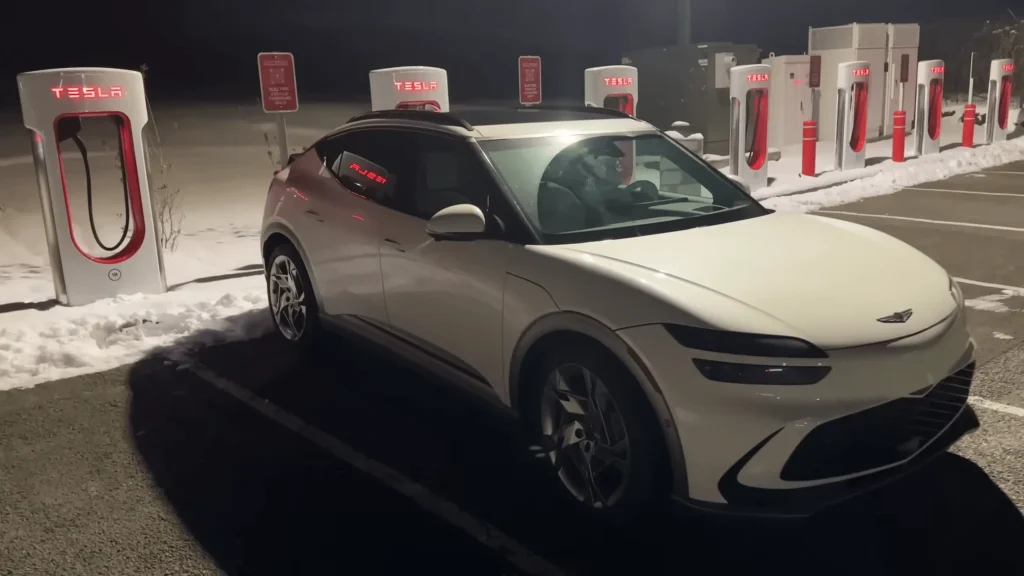
Tesla has taken a significant step towards opening its Supercharger network to other electric vehicles (EVs) with the introduction of the Magic Dock . This adapter allows compatible EVs to utilize Tesla’s extensive charging infrastructure, significantly expanding charging options for non-Tesla drivers.They creat lots of sites for Tesla Magic Dock locations.
What is the Tesla Magic Dock?
The Magic Dock is an adapter that connects a CCS (Combined Charging System) equipped EV to a Tesla Supercharger stall. Previously, Tesla Superchargers were exclusive to Tesla vehicles due to their proprietary charging connector. The Tesla Magic Dock adapter bridges this gap, allowing a wider range of EVs to benefit from Tesla’s high-speed charging network.
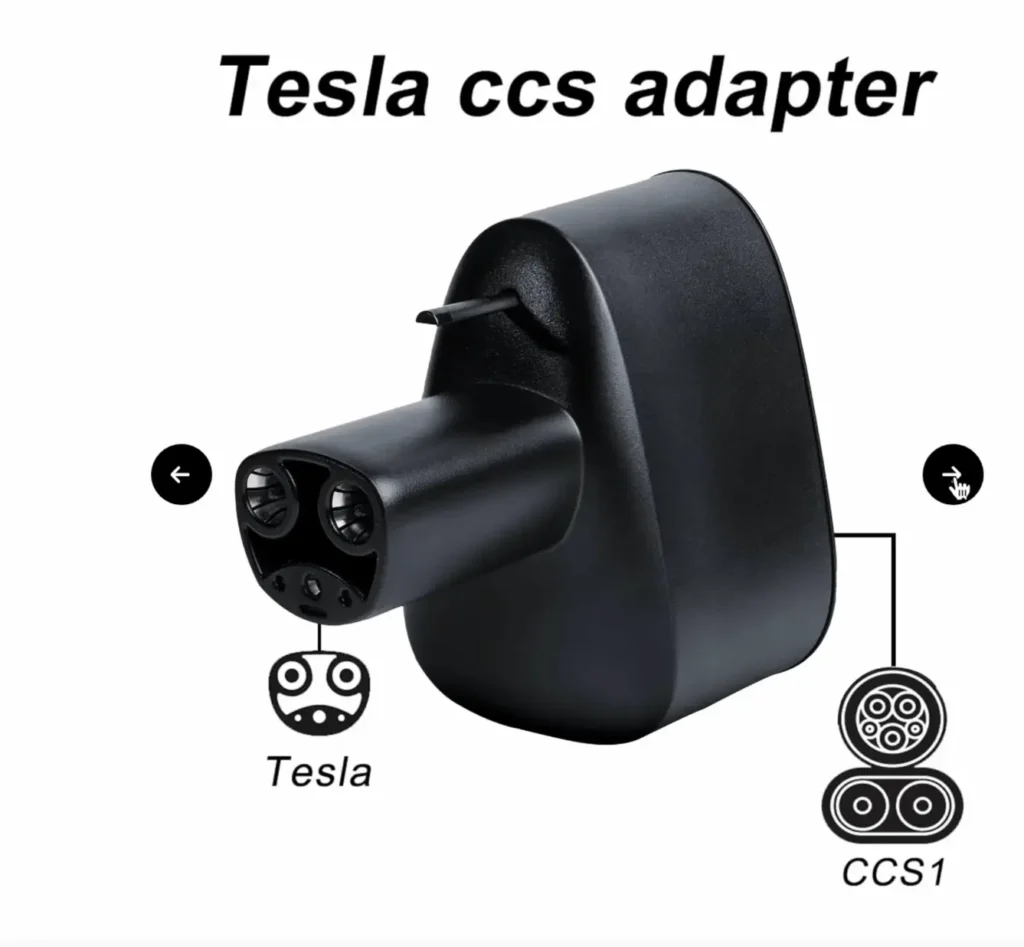
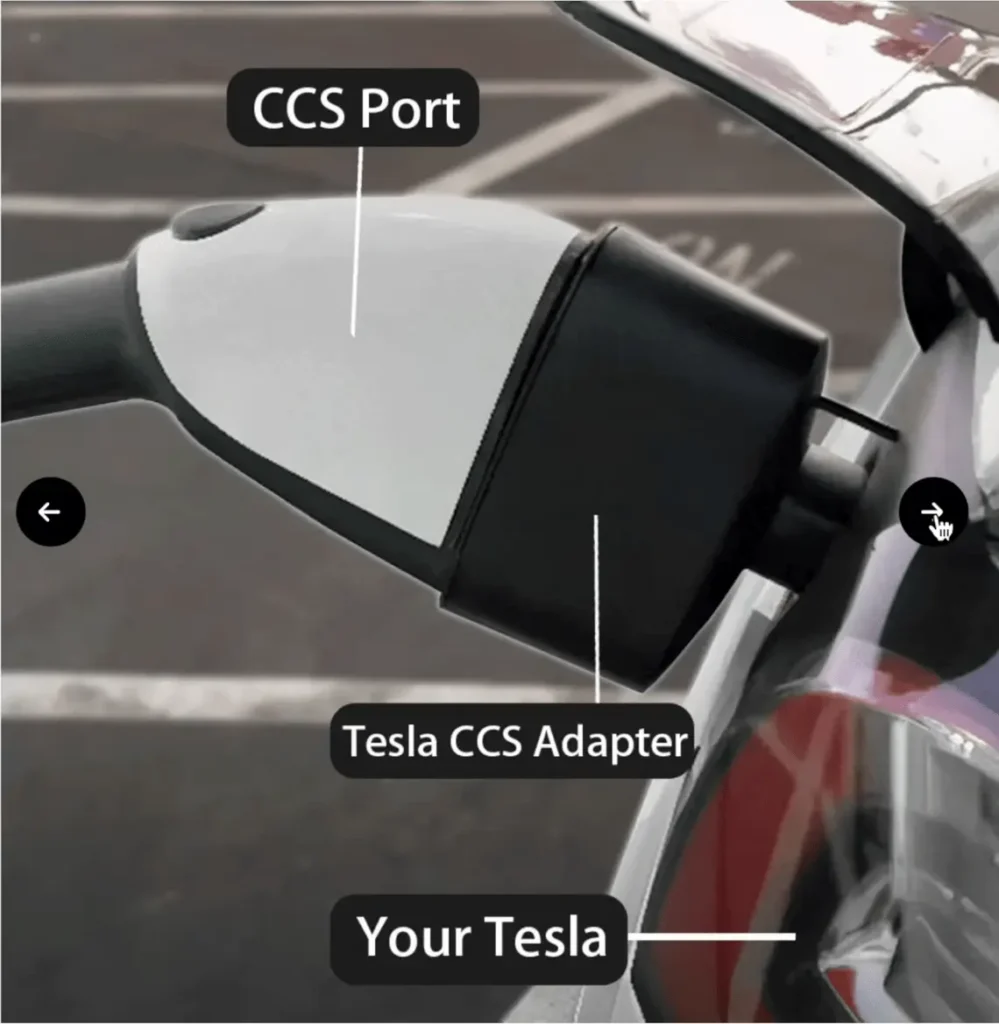
Important Note: As of July 23, 2024, the Tesla Magic Dock program is still in its early stages of rollout. There are currently limited locations offering Magic Dock compatibility. Be prepared for limited options initially.
Tesla Magic Dock Locations
While not all Tesla Supercharger stations offer Tesla Magic Docks yet, here’s how to find compatible Tesla Magic Dock locations and utilize them for charging your non-Tesla EV: here is how you can find Tesla Magic Dock Loctions on map and Non Tesla Supercharger map.
- Tesla Find Us Map: The official Tesla supercharger map (https://www.tesla.com/findus) doesn’t differentiate between Tesla Magic Dock locations and standard Supercharger stations yet. However, you can still use it to locate Supercharger stations in your area. Contact the specific location or check for signage mentioning Magic Dock compatibility before heading there.
- Tesla Magic Dock app: Apps like PlugShare (https://www.plugshare.com/) allow users to report and update information on charging stations, including notes about Magic Dock availability. Look for stations with user comments mentioning Magic Dock compatibility.
- Tesla News and Forums: Stay updated on the latest developments by following Tesla news outlets and online forums. Announcements about new Tesla Magic Dock locations might be shared through these channels.
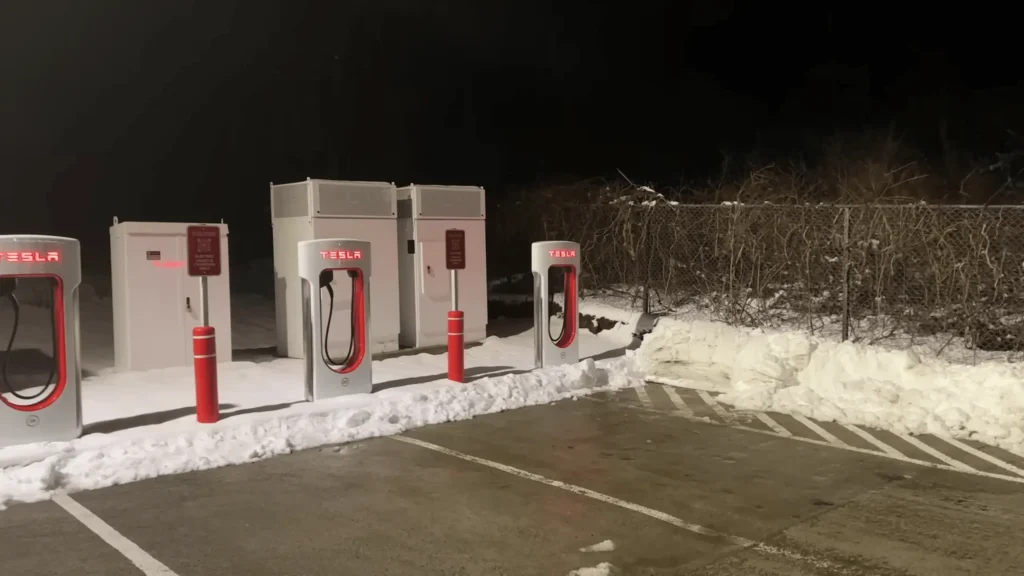
How to use Tesla Magic Dock
Download the Tesla app on your smartphone (Android or iPhone) and create an account if you don’t have one already. Once logged in, you’ll see a prompt for “Charge my non-Tesla car.” Select this option, and nearby compatible chargers will appear. Choose your site and the specific charging post number (like 1C where you parked).
- Adding Payment Method: You may need to add a payment method in the app. Enter your credit card details, and you’ll be billed per kilowatt hour. Prices vary by location and time, with discounts available for Tesla members who pay a monthly subscription fee.
- Charging Setup: Select “Charge Here” for your chosen station and locate the post number. Follow the app’s instructions to unlock the cable and begin charging.
Important: When parking, ensure your charge port is as close to the charger as possible since the cables are short. Large vehicles or those with differently located charge ports might require specific maneuvers for optimal cable reach.
Stopping a Charging Session: Once finished, go to the Tesla app and click “stop charge.” This unlocks the handle from your car. Remove the adapter and cable, return them to their designated place, and close your vehicle’s charge door. Remember to move your car after charging to free up the spot for others.
Tesla Charging, Tesla Supercharger Time, Charging Curve
To start charging with the Magic Dock, open the Tesla app on your iPhone, go to the top right, and select “Charge Your Other EV.” Choose your location, in this case, Scott’s Valley, where the rate is 43 cents per kilowatt-hour. Click “Charge Here,” select the post number (2B), and follow the instructions to unlock the adapter and plug it in.
During the charging process, I monitored the temperature of the equipment. The adapter was at 71-72°F, the Magic Dock was at 89°F, and the Tesla charger ranged from 91-96°F.
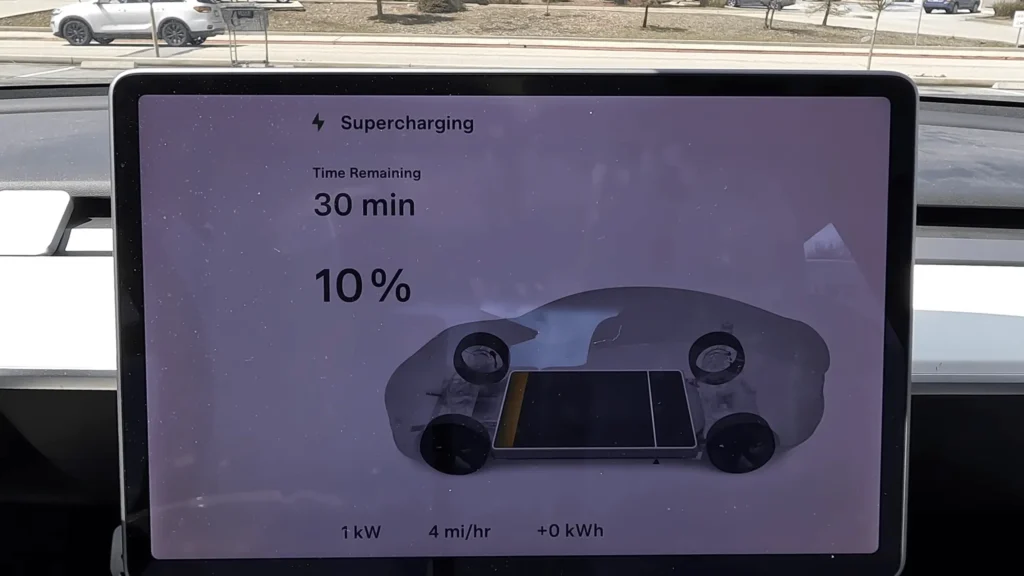
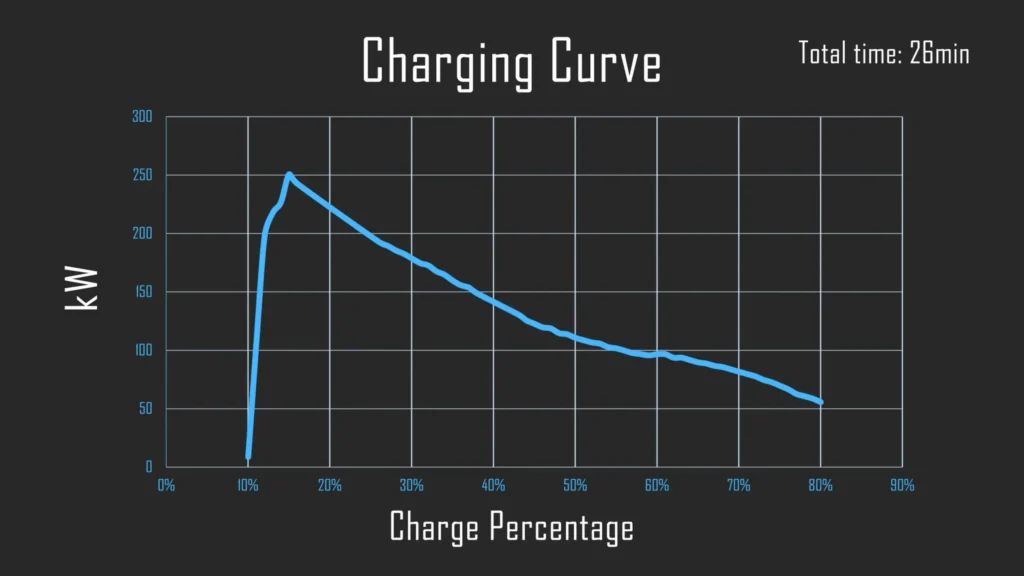
The charging curve started with the Tesla at 10% state of charge, quickly peaking at 250 kW before gradually decreasing. After 20 minutes, the car reached 60% state of charge, pulling 95 kW. At 80% state of charge, the Tesla still pulled 55 kW, and the total Tesla supercharge time was 26 minutes.
Here’s what to expect when using a Magic Dock:
- Limited Availability: Be prepared for limited availability of Magic Dock stations initially.
- Adapter Compatibility: Ensure your EV uses the CCS charging standard and has an appropriate adapter for the Magic Dock.
- Charging Rates: While Tesla Magic Dock locations enable charging, rates might differ for non-Tesla vehicles. Check with Tesla or the specific station for details.
The Future of Tesla Magic Docks
The rollout of the Magic Dock program signifies a shift towards a more open and accessible charging ecosystem. As the program progresses, we can expect:
- Wider Availability: More Tesla Supercharger stations will likely be equipped with Tesla Magic Dock locations, expanding charging options for non-Tesla EVs.
- Simplified User Experience: Finding and using Magic Docks might become easier with clearer signage and integration into Tesla’s charging network app.
- Potential Network Expansion: Increased use by non-Tesla vehicles could incentivize Tesla to expand its Supercharger network to meet growing demand.
By staying informed and utilizing available resources, you can take advantage of the Tesla Magic Dock locations program and experience the benefits of Tesla’s high-speed charging infrastructure with your compatible EV. You can more read about latest news of Tesla Model Y Juniper: Release Date, Design Changes & Exclusive Features